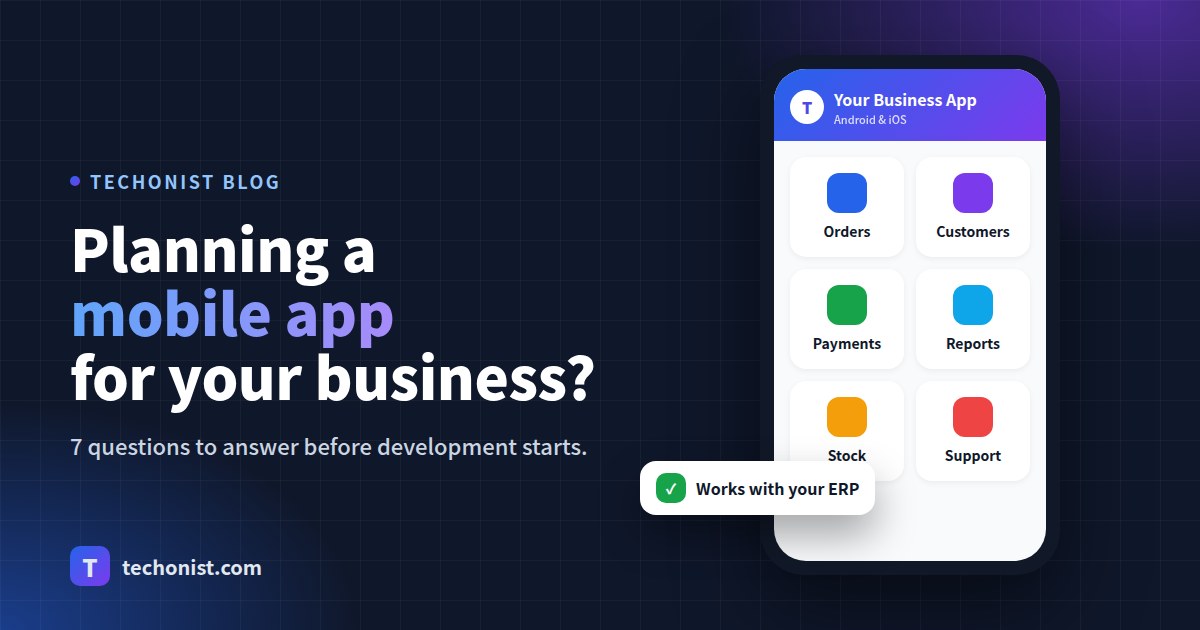
A mobile app can bring your customers, staff or students closer to your business. But many apps are built, launched and then forgotten, not because the idea was bad, but because a few basic questions were never answered at the start.
Before you talk budgets and designs, answer these seven questions.
1. Who exactly will use the app?
Customers, field staff, dealers, students, parents? Each group needs something different. An app for a sales team is about speed and offline use; an app for parents is about clear updates. Pick your main user first.
2. What is the one job the app must do well?
The best apps start small. Write down the single most important task, such as "place a repeat order in under a minute" or "see my child's attendance and fees". Everything else can come in version two.
3. Does it need to work with your existing software?
If you already use an ERP, CRM or billing system, the app should read and write the same data through an API. Otherwise your team ends up entering everything twice.
4. Android, iOS, or both?
In India, most users are on Android, but many businesses still need iOS for some customers or management. Cross-platform frameworks like React Native or Flutter let one codebase run on both, which usually keeps cost and maintenance lower.
5. What happens when there is no internet?
Field staff, delivery teams and users in smaller towns often face weak networks. Decide early which screens must work offline and sync later.
6. How will users be notified?
Push notifications, SMS and WhatsApp each have their place. Plan which events trigger a message, such as an order confirmed, a payment due or a result published, so the app feels useful without being noisy.
7. Who will look after the app after launch?
Phones and operating systems update every year. Budget for bug fixes, updates and small improvements after launch, not just the first build.
A simple way to start
- List your users and the one main task for each.
- Note the systems the app must connect to.
- Sketch the 5–6 most important screens on paper.
- Build a first version, get real feedback, then add features.
Techonist builds Android and iOS apps with backend systems, APIs and notifications for schools, institutes and businesses. Book a free consultation and we will help you shape the first version of your app.